

Track jobs from site (mobile)
Last updated: 3 October 2026
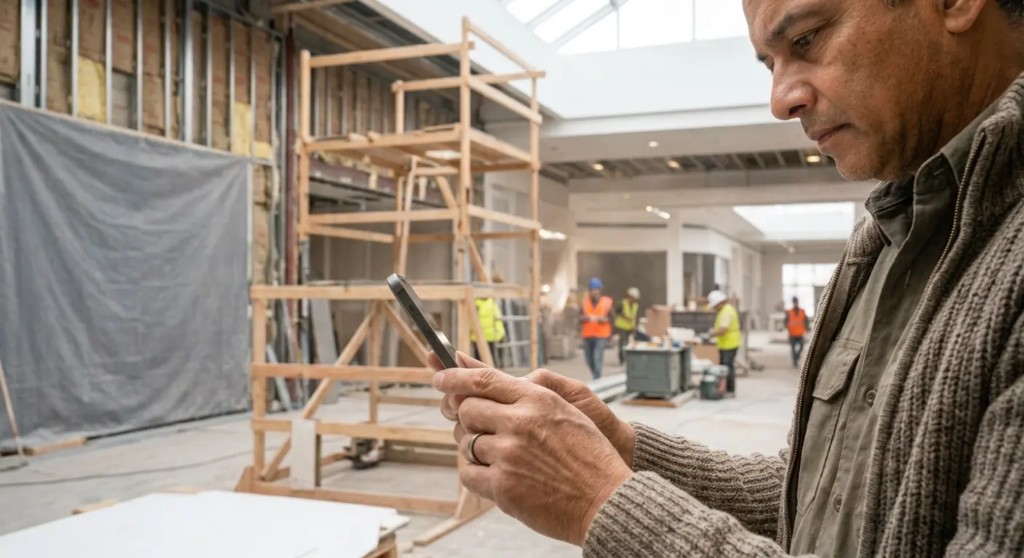
BuildTrack is built for supervisors and crew working from a smartphone. From site you can update job progress, tick off tasks, upload photos and check in by GPS, no paperwork, no waiting until you’re back at the office. Everything you post is visible to the office team in real time.
Open assigned jobs on your phone
Log in from your phone’s browser and go to Home. You’ll see the jobs you’re assigned to for today, tap one to open it. Add BuildTrack to your home screen so it opens like an app.
Update job progress from site
Work through the stage checklist
Each job has stages and tasks. Tick tasks off as you complete them to move the job forward.
Upload site photos
Attach photos to a task straight from your camera as proof of work and progress.
Check in with GPS
Record that you were on site when you started or finished a task, a reliable timestamp for the office.
Log your time
Record your hours on the job so payroll and your own earnings stay accurate.
Log defects and receive deliveries
Raise a defect with a photo, or record a load that has arrived, from the same job. The office sees both on the project.
Defects are covered in Log and close defects. Deliveries are covered in Order and receive materials.
Site job updates reach the office instantly
Everything you post from site, job progress, photos, GPS check-ins and time, updates the job immediately for Project Managers and admins. That means fewer calls asking “where are we?” and a clear record of what happened on site. What you can and can’t see is set by your role; see Roles and what each role can see.